
Share article
Product Page: Which Buyer Questions You Need to Answer Before They Order
Send via messenger or social network
Product Page: Which Buyer Questions You Need to Answer Before They Order

Compatibility, package contents, availability and delivery: how to present this information in an equipment product card and check the path from selecting a configuration to placing an order.
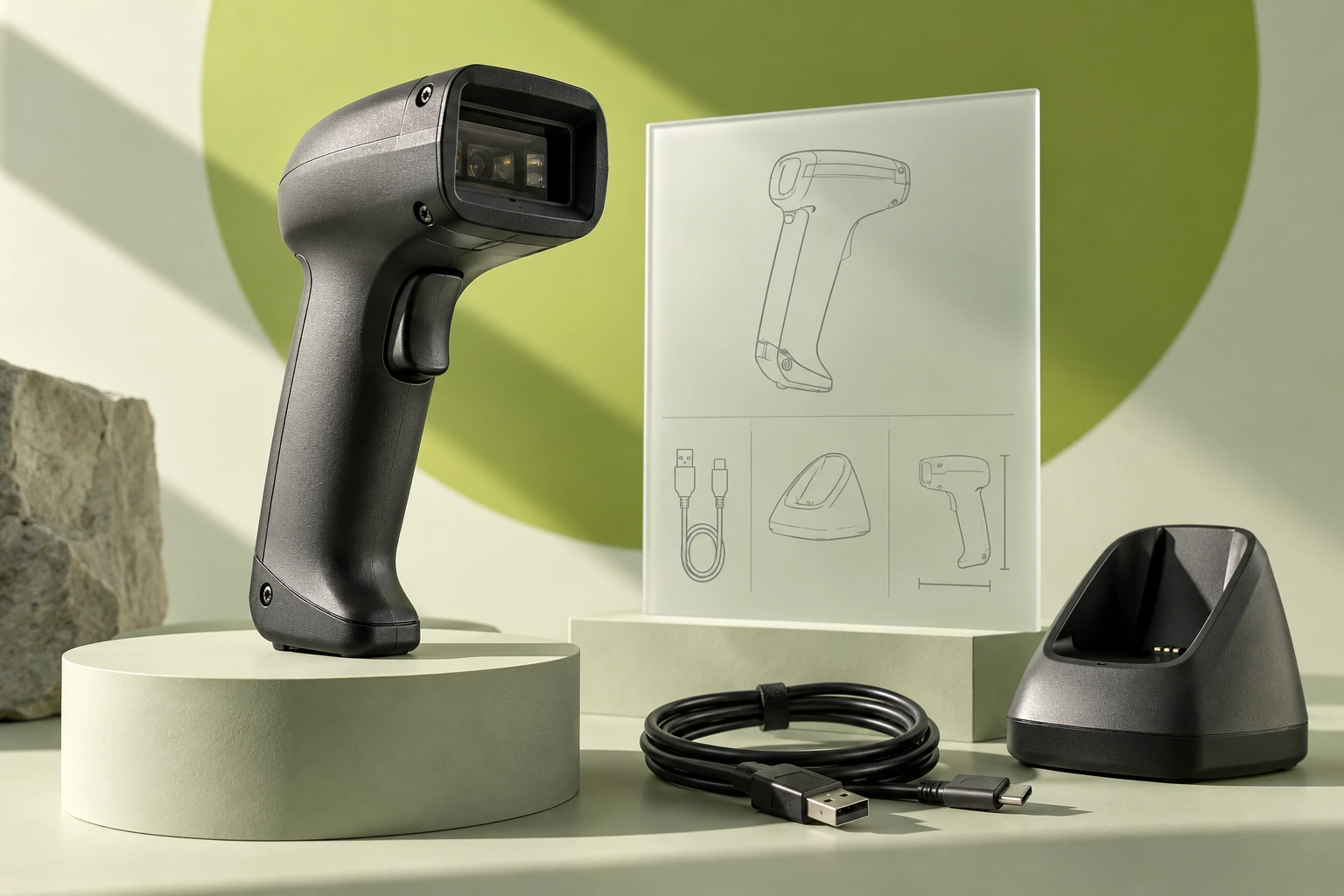
A procurement manager is choosing a barcode scanner for a warehouse. The price is right, and the required barcode type is listed. But the product page does not make it clear whether a USB cable is included, whether the model works with the company’s inventory software, or whether it can be shipped tomorrow. To get those answers, the buyer has to call — or go to another store.
Gaps like these are easy to miss when approving a design: the page looks complete, the specifications are filled in, and the button is in place. They surface later, in messages with the sales manager and in the reasons for returns.
Let’s examine a product page for warehouse equipment: what information to place next to the price, how to describe compatibility, and what to assign to the editor, designer, and developer. S-20 is a fictional model used for the examples.
Find the questions that stop customers from ordering
Start with conversations from the sales team. Ask a manager to show you recent inquiries for one product group: what customers clarified before paying, which kits they confused, and why they declined to buy. Review returns separately. “Didn’t fit” is too vague; a useful note would be: “the buyer expected a wireless model but ordered a wired one.”
Then go through the product page as a new buyer. Don’t rely on knowledge that only the store’s employees have. If answering a question requires opening an 80-page manufacturer’s manual or calling a manager, mark that as a point where the buyer gets stuck.
| Buyer’s question | What to show on the product page | Where to get confirmation |
|---|---|---|
| Will it work for my use case? | Barcode types and usage limitations | Specification, expert review |
| What does it work with? | Interface, software requirements, tested combinations | Documentation and test protocol |
| What will arrive in the box? | Exact contents of the selected kit | Accounting system, packaging photo |
| When will I be able to start using it? | Availability, delivery, launch preparation | Warehouse, logistics, service team |
| How much will it cost to get started? | Price of the selected version and required add-ons | Price list and proposal details |
| What should I do if it doesn’t work? | Support channel and request procedure | Service regulations |
For each item, specify the data source and the employee responsible for updating it. Stock balances usually come from the accounting system, compatibility descriptions are prepared by a specialist, and shipping terms are confirmed by logistics. If this information is filled in manually without assigned owners, the sections most critical to placing an order will be the first to become outdated.
First screen: what the product is, how much it costs, and when it will arrive
The name should distinguish between product versions. “Professional scanner” does not help someone compare browser tabs. “S-20 Scanner, 2D, wired USB, kit with stand” makes it clear what exactly is being sold. But listing all 40 specifications in the title is not a good idea either: focus on the attributes that affect the choice.
Next to the price, show the selected configuration, availability, and a clear action. If the price is calculated after consultation, explain which parameters affect it and what the person will receive after submitting a request.
Instead of “Price on request,” write: “We’ll select a kit based on the number of workstations and your accounting system. The estimate will itemize the equipment, setup, and delivery.” Publish only the response time your team can actually meet.
Delivery must be tied to conditions: the selected city, delivery or pickup method, and availability at a specific warehouse. “Delivery tomorrow” with no geography may get a click but ruin the conversation after the order is placed. If you do not yet have an exact calculation, an honest “Calculate delivery to your city” is better than an unconfirmed promise.
Do not use five equally prominent buttons. For a product with a standard configuration, the primary action is placing an order. For complex equipment, it is selection or calculation. Expert assistance can remain nearby, but it should not visually compete with the primary action.
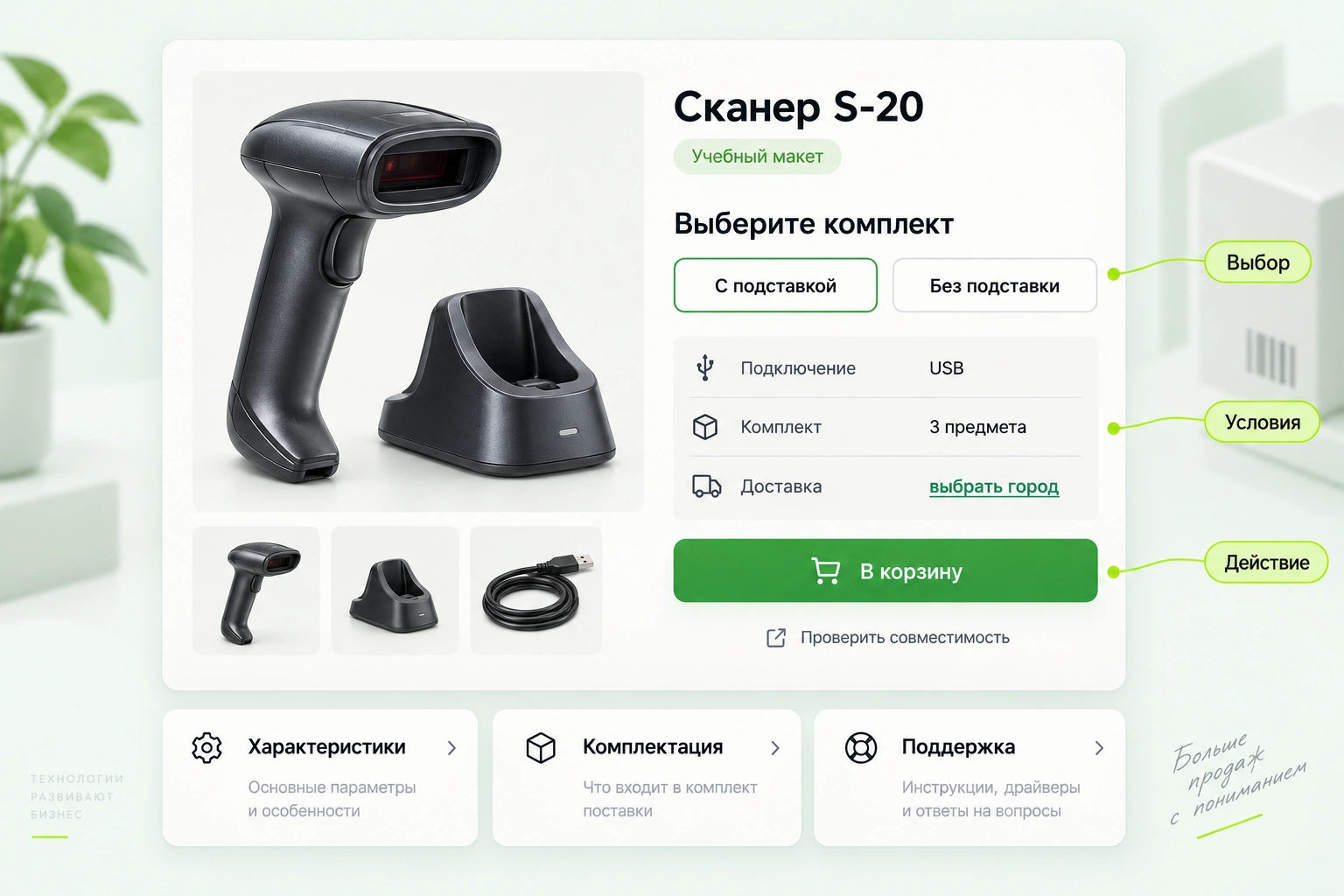
Specifications need to be translated into practical implications
“2D imager” is a term from the specification. What matters more to the buyer is which codes a specific model can read. At the same time, you cannot automatically promise it will work with any code or marking: capabilities depend on the hardware, firmware, and operating conditions.
Keep the technical parameters in a table, and above it explain two or three key limitations. A procurement specialist can quickly check the specification, while a first-time buyer will understand what to look for.
| Specification | What to explain in plain language | What not to promise without verification |
|---|---|---|
| USB | How the device connects and whether a separate adapter is needed | Compatibility with all accounting programs |
| Supported symbologies | Which code types are listed by the manufacturer | Reading any damaged code |
| Operating temperature range | Which premises the model is suitable for | Operation in a freezer outside the permitted range |
| Protection rating | Which impacts the housing is protected against under the stated conditions | Complete invulnerability to water and drops |
| Wireless connection | How the receiver connects and where the device is charged | Range without accounting for walls and interference |
A useful format is “suitable / needs clarification.” For example: “For a workstation at a computer. If scanning is needed in warehouse aisles, compare it with the wireless version.” This lets the buyer see in advance when they need a different configuration.
Instead of a long promotional paragraph, add three use cases and one significant limitation. It is easier for the buyer to recognize themselves in a scenario than to decode “an effective solution for businesses of any size.”
Package contents: a small block that prevents a big dispute
The same model name does not always mean the same delivery package. One item includes a stand, another includes only the device; in some cases the cable is purchased separately. A photo may show everything at once and create the wrong expectation.
Each SKU needs its own package contents. If the buyer changes the option, the price, contents, availability, and images should update at the same time. The phrase “image may differ” is not a substitute for a description of the kit being sold.
Photograph the product without unnecessary props, then photograph the full kit from above. The third shot should be a close-up of the connector, and the fourth should show the product in a hand or at a workstation to convey scale. Label any accessories not included in the price. Do not replace an image of the actual configuration with a photo of a similar model.
In a furniture online store, this section would show dimensions and the folding mechanism. For a light fixture, it would show the base type, mounting, and whether a bulb is included. The principle is the same: show what will be too late to clarify after delivery.
Compatibility: instead of “please check,” provide a short checklist
The buyer often does not know what information a consultant needs. “Check compatibility” sends them into a conversation unprepared. Provide a form with several meaningful questions.
For a scanner, this may include the POS equipment model, the software name and version, the connection method, and the types of codes it can read. Don’t collect this information from every customer buying a simple cable; show the form only where an error is genuinely likely.
If the store publishes a compatibility table, add the date and test conditions. A line such as “tested with version X via USB” is more precise than a green check mark next to an entire software family. When the version changes, the data needs to be reviewed.
For the initial question, the selected SKU, preferred contact method, and a description of the customer’s equipment are enough. Show the remaining fields only when needed. This gives the consultant context without making the buyer fill out a full warehouse survey.
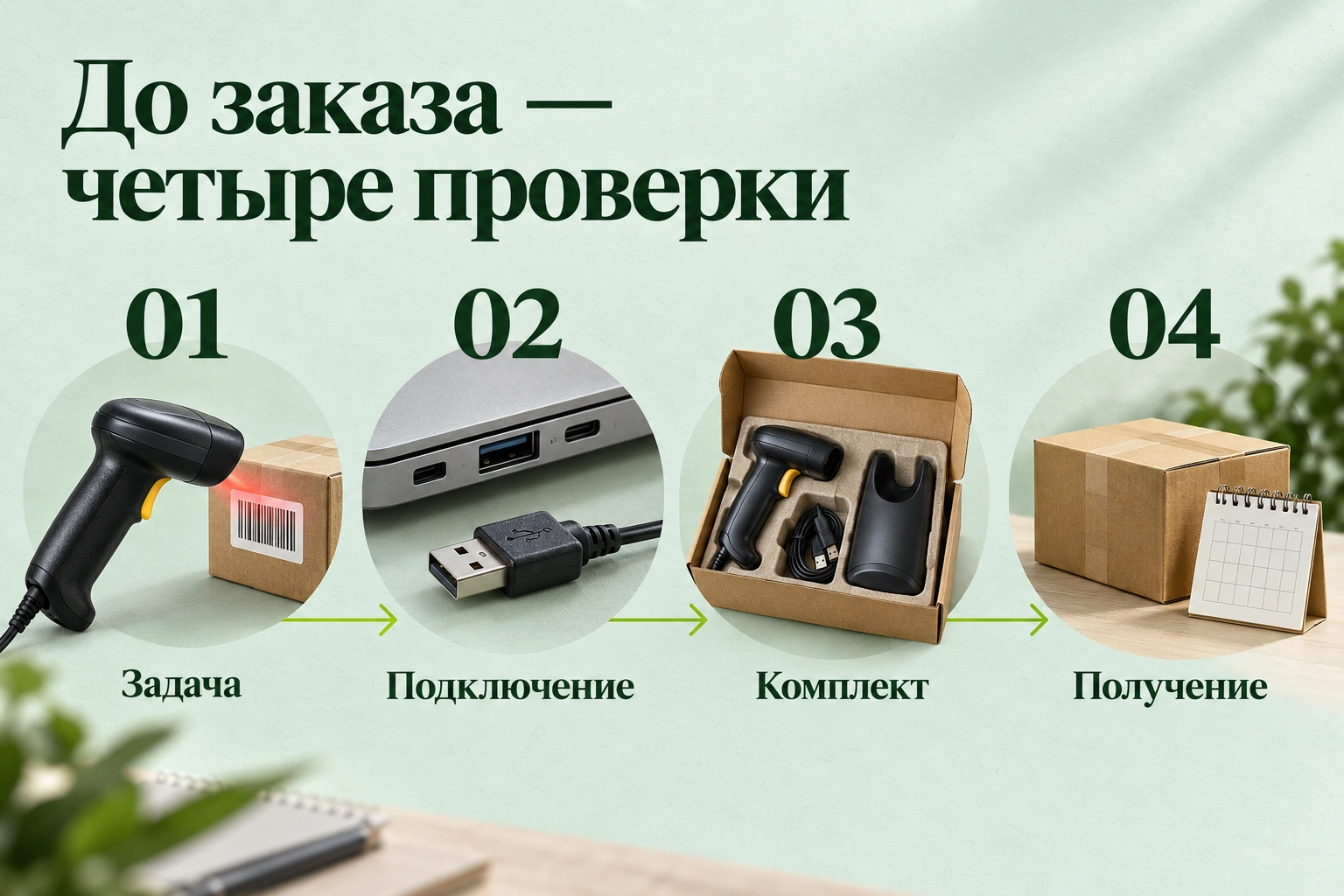
Delivery, installation, and warranty are part of the product
A procurement manager needs a working warehouse, not a box with a scanner. That’s why the product price and the cost of getting it up and running are separate issues. If configuration, a license, installation, or training is required, show this before checkout.
A “What you need to get started” section works well. Separate the required items from the optional ones. Don’t label a useful accessory as mandatory just to increase the order value: it will undermine trust during the first conversation with a specialist.
| Section | Useful specifics | Weak substitute |
|---|---|---|
| Delivery | Calculation for the city, pickup or delivery method, shipping terms | “We deliver throughout Russia” |
| Launch | Who connects it, what the store does, what the customer does | “Easy installation” |
| Support | Contact channel, business hours, what data to prepare | “Always available” |
| Warranty request | Where the procedure is described, who to send the serial number to | “Quality guarantee” |
| Documents | Which manuals and confirmations are available for the model | A folder with unnamed files |
Don’t invent one-size-fits-all warranty and return terms for the entire catalog. They should match the specific offer and the store’s verified rules. A clear summary and a link to the current terms are enough on the product page.
Product page SEO: content accessible to both people and search engines
The product page must answer a specific product query. If the heading promises a wireless model but the wired version opens by default, the problem starts even before technical optimization.
Compile the name, model, SKU, key parameters, and your own explanations. Don’t append 5,000 characters about the benefits of automation to the end of every page. Uniqueness comes from accurate details, use cases, and product verification—not from rearranging the words in the manufacturer’s description.
For product variants, decide separately which URLs should be available in search and how the configurations should be linked. The blanket rule “close all variants” is risky: individual models may have their own demand. And conversely, thousands of almost identical URLs with a parameter rearranged do not become a useful catalog on their own.
Structured data Product helps provide product information for supported search result features. Its presence does not guarantee an enhanced result. Price and availability values must match the actual offer on the page. Google documentation on product data (opens in a new tab).
The editor updated the price on the product page, but the markup still has the old one. The data source needs to be fixed: the price on the screen and in the structured data must come from the same up-to-date record. Manually editing two copies creates a recurring error.
Don’t add fake ratings just to get stars. If there are no reviews yet, it’s better to show real answers from a specialist to questions about the model. No rating is more honest than a set of identical enthusiastic comments with no verified buyers.
How to brief the team so you don’t get just another piece of text
Start with a small group of important product pages, not the entire catalog. Choose products with sufficient interest, up-to-date stock, and a clear data owner. For each page, document the questions and planned changes.
The developer will need a separate brief: how the variants change, where stock balances come from, what is passed to the cart, and what the delivery loading error looks like. The designer will need block priorities and mobile behavior. A single “improve product cards” document won’t replace these decisions.
Acceptance testing should follow a real user scenario. Select a version, change the city, add the product to the cart, then go back. Check that the SKU and price have not reset. Repeat on mobile. Make sure the compatibility help opens in the context of the selected product.
How to tell whether the changes helped
Record the update date and the list of product cards. Look not only at sales, but also at the steps between view and order: selecting a version, adding to cart, requesting help with selection, and completing an order. Separately track cancellations and returns caused by incorrect expectations.
| Observation | What to check before drawing a conclusion |
|---|---|
| More add-to-carts, the same number of orders | Delivery, payment, and availability of the selected variants |
| Fewer requests for selection help | Whether there are more self-service orders or the button has disappeared |
| Conversion has increased | Whether the price, stock, traffic sources, and promotions have changed |
| Fewer returns | Whether the product groups are the same and enough time has passed |
If there are many visitors but few orders, it helps to analyze where the site is losing inquiries.
Every metric needs a denominator. “20 orders” says nothing about product card quality without the number of views, audience composition, and availability. For comparison, choose comparable periods and product groups. With enough data, you can plan an experiment; for a small store, it is more important not to present a random fluctuation as proven growth.
For the first stage, choose five product cards that managers most often receive the same questions about. Update them, complete an order on mobile, and compare inquiries before and after. The result will show which blocks are worth rolling out across the entire product group.
Need to improve your catalog? Send us links to the product group and a few frequent customer questions. We’ll prepare a list of changes for the product cards: content, version selection, order handoff, and metrics for checking the result.
Oshmanovsky A.O.
Agency Director
Business development strategy and the creation of effective digital solutions.


