
Share article
SEO Website Audit: 7 Checks with Examples of Errors and Ready-to-Use Fix Tasks
Send via messenger or social network
SEO Website Audit: 7 Checks with Examples of Errors and Ready-to-Use Fix Tasks

We check indexing, old URLs, duplicates, page content, and lead delivery. For each error: the diagnostic process, the fix, and acceptance criteria.
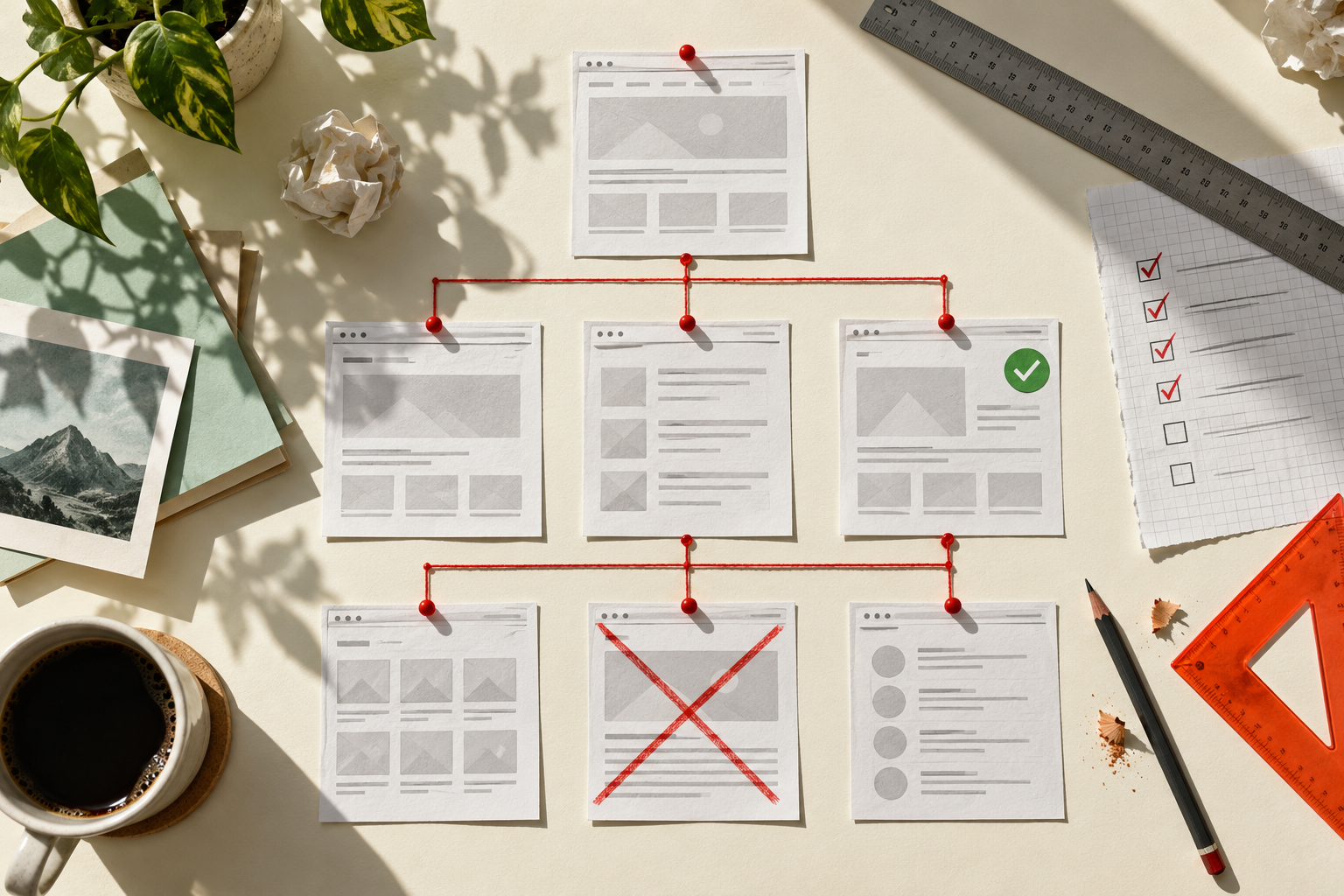
After the website update, search traffic dropped, and the crawler found hundreds of warnings. For the first review, choose five pages that are important for sales: a category, a service, a popular product, and two URLs with a noticeable decline. They make it easier to separate a template-wide issue from an isolated error.
We will look at seven issues: where to find the cause, what to assign to the developer, and how to accept the fix. The examples are illustrative; for a working audit, each finding will need a list of URLs and the verification result.
1. The page opens, but has disappeared from search
Where to check. Open the problematic URL in Google Search Console’s URL Inspection tool and in Yandex Webmaster’s page analysis. Compare the status of the last version known to the search engine with current availability. Then check the source HTML and HTTP headers.
Look for an indexing restriction, for example:
<meta name="robots" content="noindex, follow">
Or a header:
X-Robots-Tag: noindex
This kind of rule may have been left over from development. You need to check the specific URL: permission on the homepage does not prove it is present across the entire section.
What to fix. If the page should participate in search, remove the accidental restriction from wherever it is generated: the template, CMS settings, or server response configuration. Keep the necessary restrictions for service pages.
How to accept. The target URLs no longer have the restriction; the page is accessible to the robot; the change has been checked on several pages using the same template. Track the return to the index separately — it does not happen automatically at the moment the fix is made.
Blocking crawling in robots.txt does not replace noindex. If Googlebot cannot crawl a page, it may not see the noindex directive. Details are available in the Google documentation (opens in a new tab).
2. After the redesign, old links lead to an error page or the homepage
Where to check. Take the URLs from the previous sitemap, search traffic exports, and migration map. For each one, record the response code and the final page after redirects.
What to fix. If the new page really replaces the old one, set up a permanent redirect to the corresponding address. For Nginx, a rule for an exact path might look like this:
location = /catalog/compressors-old/ { return 301 /catalog/kompressory/; }
This is an example for the developer: the rule should be applied with the project configuration in mind, with syntax and conflicting routes checked first. The destination URL must exist and match the previous content.
How to accept. The old address leads to the correct live page through a single redirect; new internal links and the sitemap use the new URL. Check that there is no loop or chain of multiple redirects.
If the material has been removed without a replacement, a 404 or 410 response may be correct. Do not redirect all deleted products to the homepage just to eliminate errors from a report. Temporary fluctuations during a move and preparation of URL mappings are covered in the Google migration guide (opens in a new tab).
3. The search engine chooses the wrong version of the page
Where to check. Check the canonical in the HTML and the primary URL selected by Google in Search Console. Compare them with the sitemap and internal links.
For the main URL, the signal may look like this:
<link rel="canonical" href="https://example.ru/product/model-a/">
What to fix. Align the signals: the main page, links, and sitemap should point to the selected working version. Duplicate variants should correctly indicate it. Do not set a canonical to a page with different content simply because you want to promote it more aggressively.
How to accept. The URLs being checked have no conflicting canonicals; the main URL is accessible and contains the right material; internal links have been corrected. The search engine’s choice should be checked after the next crawl.
Canonical is a preference signal, not a command with guaranteed execution. Google may choose a different URL; the diagnostic process is described in the canonical URL help article (opens in a new tab).
4. The company offers a service, but there is no suitable page for it
Where to check. Match priority services against demand and existing URLs. For each query group, review the makeup of the search results: commercial offers, catalogs, or informational materials.
| Query group | Visitor’s goal | What to check on the landing page |
|---|---|---|
| Compressor for a workshop | Select and order equipment | Models, operating specifications, power supply, operating conditions |
| Compressor with delivery and installation | Understand the budget breakdown | Package contents, delivery, commissioning, additional costs |
| How to choose a compressor for pneumatic tools | Understand compatibility | Tool requirements, equipment parameters, limitations |
What to fix. Create or revise the page for a specific task. For a commercial query, prepare an offer with order terms; for a comparison query, prepare content that helps visitors choose between options.
How to approve. The query group has a target URL, its content matches the visitor’s intent, and clear internal links lead to it. The new page does not duplicate an existing offer without a reason.
5. Visitors arrive but do not understand the offer
Where to check. Compare the page with the questions managers receive and the reasons for refusals. Open it on a phone and find the answers without contacting the company.
What to fix. Explain what the offer includes. For a sample service, this could be a table:
| Work | How to present the terms |
|---|---|
| Selection | Specify the initial data required and the consultation terms |
| Delivery and unloading | Specify the service area, calculation procedure, and responsibility |
| Connection | Specify what is included in the work and what conditions the customer must prepare |
| Consumables | List what is calculated separately |
| Total cost | Explain what data is needed for an accurate offer |
Do not transfer the terms from the example to the website without approval from the business. If the price depends on the site, show a calculation for a specific configuration and list its limitations.
How to approve. The manager confirms the terms; the visitor sees what the offer includes before the form; the advertising promise and the actual calculation do not contradict each other. The effect on inquiry quality is assessed after comparable data has been collected.
6. The form reports success, but the request does not arrive
Where to check. Agree on the test with the team. Submit a marked test request and trace its path: browser → server → CRM or notification → responsible manager. Compare the submission time, request identifier, and system record.
Check two scenarios: a successful submission and a controlled error in the test environment. In the event of an error, the user should not see a false “request submitted” message.
What to fix. If the analytics goal is tied only to the button click, move successful request tracking to the confirmed processing result. If the notification is getting lost, fix the integration and make sure the request is saved so that a delivery failure does not destroy the data.
How to approve. The test request has been saved and is available to the responsible person; the success event corresponds to successful processing; a repeat click does not create unintended duplicates; the error is clear to the user.
A messenger button requires a separate goal: clicking through to a messenger does not yet mean an inquiry has been received.
7. On mobile, the page gets in the way of reading and contacting you
Where to check. Go through the user journey on a real phone: open the page, read the terms, go to the form, fill in the fields, and correct an error. Also check a narrow 320–390 pixel viewport in the browser.
What to fix. For a wide table, use scrolling inside the container, not across the entire page. For the form, use persistent field labels, clear error messages, and an accessible button. For images, set dimensions so loading does not shift nearby content.
Measure speed on typical pages. Core Web Vitals benchmarks: LCP up to 2.5 seconds, INP up to 200 ms, CLS up to 0.1 at the 75th percentile of page loads, segmented by device. Definitions are in the Web Vitals documentation (opens in a new tab).
How to accept. The page has no unexpected horizontal scrolling; the full table is accessible; the form works with the on-screen keyboard; errors can be corrected. The lab speed score and real visitor data are recorded separately. A green score alone does not guarantee higher rankings.
How to turn findings into tasks for the week
Attach URLs, reproduction steps, and the expected site response to each task. If an error affects a category template, list several examples and specify how to check the remaining pages after the release.
| Task | Owner | Acceptance criterion |
|---|---|---|
| Remove accidental noindex from service pages | Developer; checked by an SEO specialist | The restriction is absent on the agreed URLs, while the remaining restrictions are preserved |
| Restore redirects from old URLs | Developer | The redirect map works without loops or unnecessary hops |
| Clarify what the service includes | Editor and product manager | The terms are published and match the actual offer |
| Fix lead delivery | Developer and CRM owner | The marked test request goes all the way through to the manager |
First, fix confirmed issues that block important pages or inquiries. Then move on to the structure and content of priority areas. Keep comments unrelated to the current task in a separate list, with an explanation of their importance.
For an online store: check filters and product status separately
A single fixed URL does not solve a catalog-wide issue. Look at how many URLs are created by power, brand, price, and sorting filters. For each page type, define its purpose: a useful landing page for search demand, a display option, or a combination with no products.
| Page type | What to check | What solution to discuss |
|---|---|---|
| Selection with steady demand | Assortment, useful content, links from the catalog | A standalone accessible URL, if the page is genuinely needed |
| Sorting the same set of products | Whether the content purpose changes | Agree how to handle duplicates and crawling |
| Impossible filter combination | Whether it creates an infinite number of empty URLs | Eliminate the generation of unnecessary links and define the correct response |
| Temporarily out-of-stock product | Can it be ordered, can the lead time be checked, or can a replacement be selected | Show the actual status and useful alternatives |
| Discontinued model with no full replacement | Is there useful information worth keeping | Decide the page’s future based on its content, not a bulk redirect |
Google addresses crawl management for faceted navigation separately: a large number of combinations can consume crawl resources. The way you limit them depends on whether these pages should appear in search. Do not combine crawl blocking and removal from the index into a single action. Google’s recommendations on filters (opens in a new tab).
On the product page, check the model name, SKU, availability, and price across the visible text, cart, and markup if it is used. Include an in-stock product, a made-to-order product, and a discontinued product in your sample: these states can behave differently within the same template.
How to check the impact after fixes
Before release, save the list of URLs being changed, the current errors, search metrics, and the date. After release, first check that the task has been completed: response status, redirect, canonical, page content, and receipt of an inquiry. Then monitor recrawling and search performance.
Do not compare all site visits if you changed only one category. Look separately at the changed pages, similar pages without edits, and branded and non-branded queries. This comparison helps identify the cause of the trend, but by itself it does not prove that the growth was caused only by the release.
In the fix log, include these fields: URL, issue, solution, release date, recheck, and search performance. This list can be handed over to another specialist without having to reconstruct the history from correspondence.
What to request as the result of an SEO audit
For every finding, you need the URLs, evidence, scale, priority, owner, and acceptance criteria. If the cause is still an assumption, it should be marked as a hypothesis.
For example, “traffic dropped because of the redesign” is a hypothesis. “After the release, 18 important old URLs return 404 errors, the new pages exist, and there are no redirects” is a verifiable finding. Attach all 18 URLs and the check date to this finding.
After implementation, repeat the technical checks. Track indexing, clicks, and qualified inquiries separately: these metrics change at different speeds and depend on more than just the fixes.
Order an SEO audit from Enterno. To define the task, send the website address, five priority pages, and the date when you noticed the problem. If a migration or redesign is planned, specify the planned launch date — it is better to check the URLs and structure beforehand.
Oshmanovsky A.O.
Agency Director
Business development strategy and the creation of effective digital solutions.


